Your Members Will Thank You
Start for free with Greek Connect and start improving on all fronts
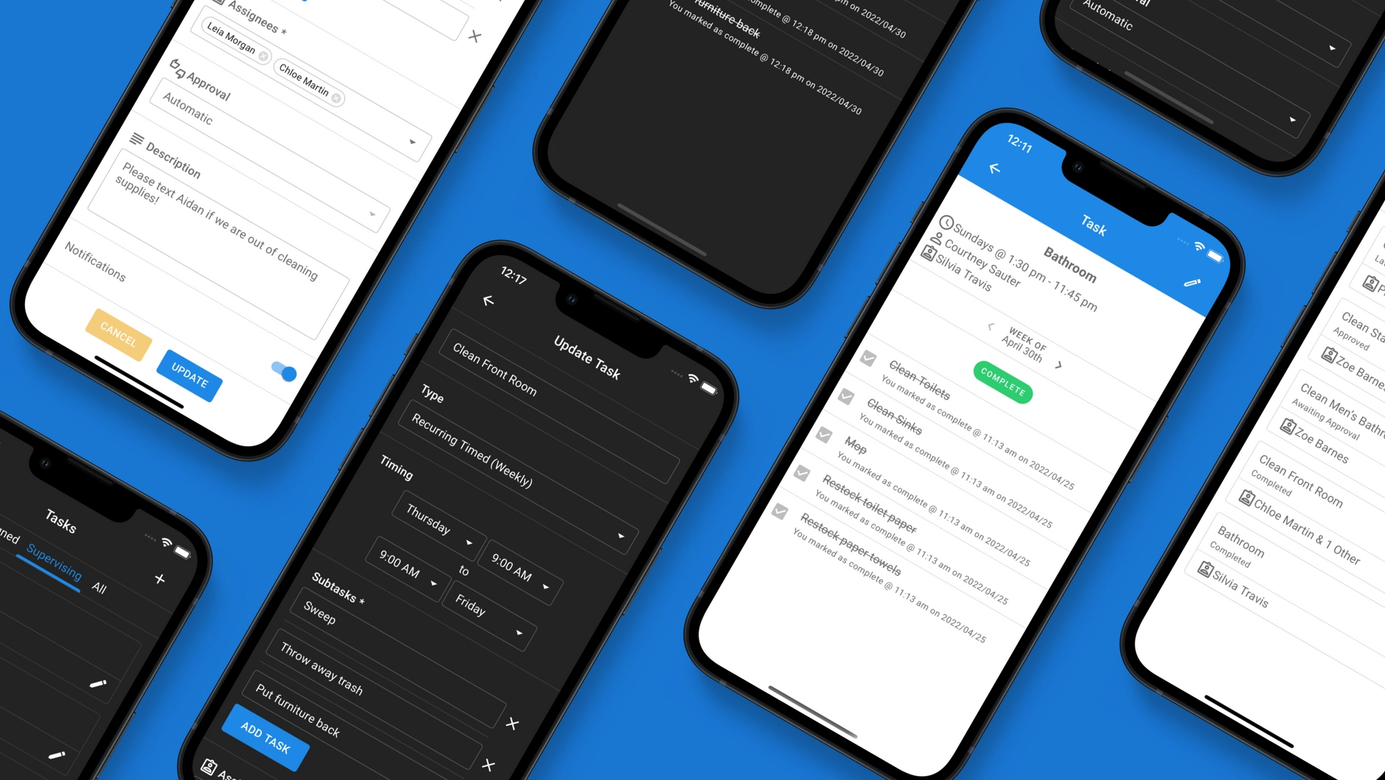
Assign tasks with deadlines, file uploads, polls, and approval workflows, then award points automatically. Track completion across your chapter.
Tasks makes it easy for officers to assign work and track who's done it. No more spreadsheets, group chat reminders, or guessing who completed what. Assign a task, set a deadline, and let the app handle the rest.
Assign tasks to entire member groups like New Members, Members, or Officers — or hand-pick specific individuals. Group-based tasks automatically include new members as they join, so you never have to update assignments manually.
Customize what members need to do to complete a task. Mix and match any combination:
Set optional deadlines and the app handles the rest. Overdue tasks are highlighted in red across the dashboard, tasks page, and notification drawer. Members always know what's due and what's overdue.
Connect tasks to any of your chapter's points systems. When a member completes a task (or gets approved), points are awarded automatically. No manual entry needed.
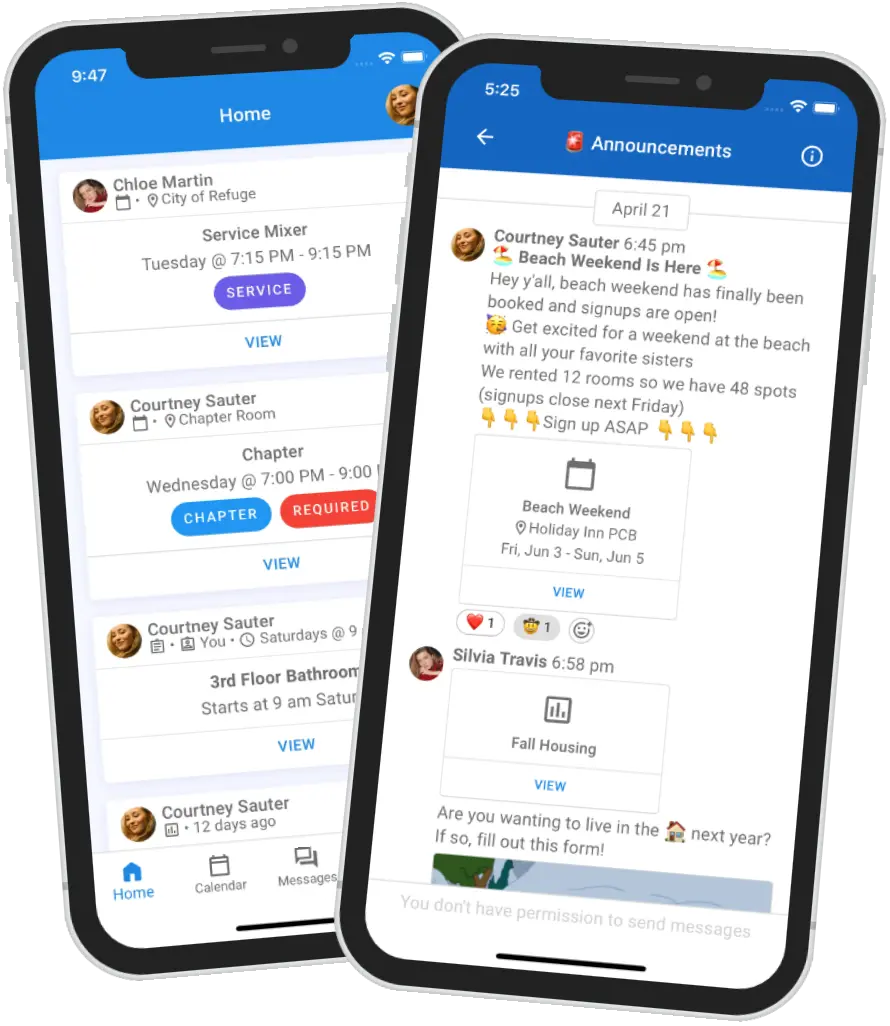
Outstanding tasks appear on the home dashboard feed, in a quick-access drawer from the navigation bar, and on the dedicated Tasks page. Members always see their personal completion status — not the chapter-wide progress.
Members are notified when they're assigned a new task. Officers are notified when submissions are ready for review. Everyone is notified on approval or denial — with the denial reason included.
Your Members Will Thank You
Start for free with Greek Connect and start improving on all fronts