Your Members Will Thank You
Start for free with Greek Connect and start improving on all fronts
Scan receipts, track reimbursements, and manage chapter spending with approvals, custom categories, and PDF reports.
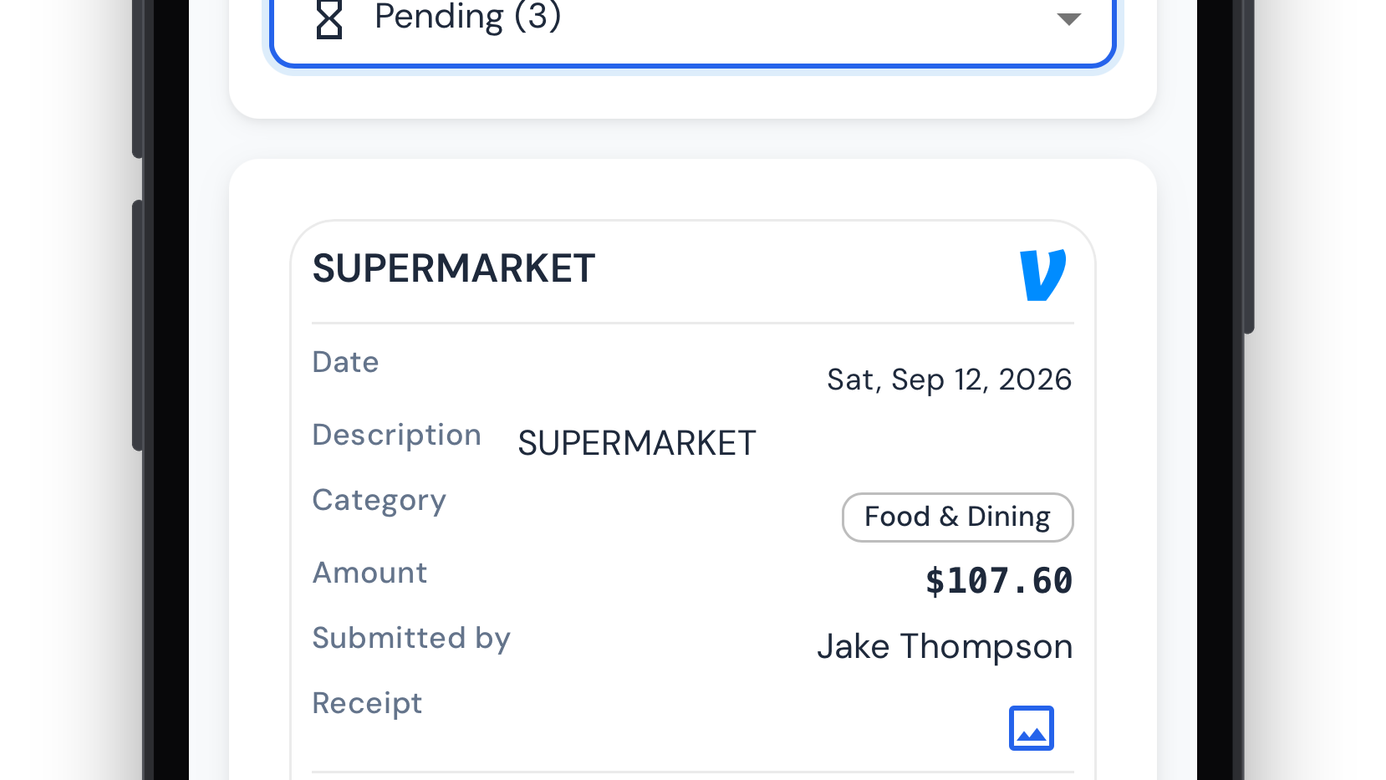
Expenses handles reimbursements for your chapter. Members snap or upload a receipt and the details fill in. Officers review it, approve it, and mark it paid in the app.
Any member can submit a receipt from the camera icon: take a photo in the iOS or Android app, or upload a JPG, PNG, or PDF on the web. Once they confirm the description, amount, category, and date, it goes to the officer approval queue. Their Venmo handle is attached automatically, so officers know where to send the money.
Greek Connect reads the vendor, total, date, and a likely category from the receipt and fills in the form. Scanned fields are marked, anything already typed is left alone, and members can always enter the details by hand.
Each receipt has one of four statuses:
Officers can also move a paid receipt back to approved, or a rejected receipt back to pending for another review.
Every receipt has a category for reporting. Each chapter sets up its own in Expense Settings, where officers add, rename, recolor, reorder, and archive them. Archived categories stay on past receipts.
Officers with expense admin permission get a dashboard with approved, pending, and paid totals and the approval rate. They can filter by date range, category, amount, member, or missing receipt image, and approve, reject, mark paid, revert, recategorize, or delete receipts in bulk. A receipt whose amount or date doesn't match its scan is flagged.
Generate an annual or monthly PDF report with category breakdowns, month-over-month trends, and spending totals for treasurer reports and chapter audits.
Officers get an in-app notification when a receipt is submitted. Members are notified when their receipt is approved, rejected, or marked paid, and a rejection notice includes the reason if the officer gave one.
Your Members Will Thank You
Start for free with Greek Connect and start improving on all fronts