Overview
Reserve meals, bring guests, and set your dietary profile
Introduction
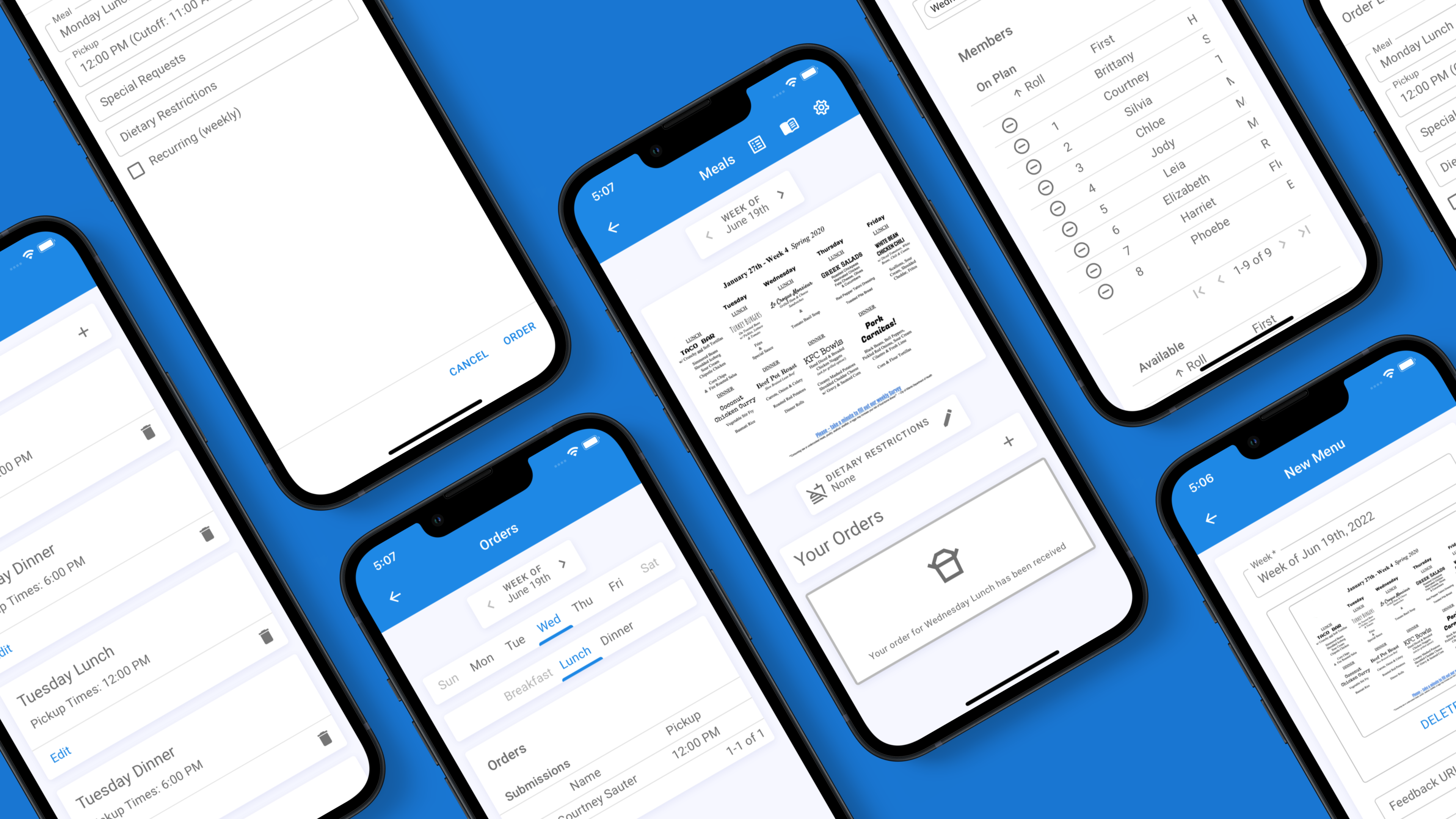
Meal plan allows chapters with dining plans to keep track of weekly menus, dietary restrictions, and late plate requests. Adding plans and meal times allow for proper request cut off times and only allowing requests by members who are allowed to eat said meal.
Reserving meals
Your chapter's meal plan gives you a set number of meals each week. Open Meals to see the week's schedule — every meal you're eligible for shows under its day.
For each meal, choose how you'll take it:
- Going — rsvp for that meal
- Late plate — have a plate set aside to pick up after the serving window.
Tap Going or Late plate on a meal to reserve it; tap the same choice again to cancel. You can switch between the two any time before the meal's order-by cutoff.
Bringing guests
Bringing family or friends? Use the + / − stepper on a reserved meal to add guest plates. Each guest plate counts as one meal against your weekly limit, the same as your own.
Example: “Going +2” uses three meals from your weekly allowance for that day — one for you and two for guests.
Your weekly limit
Your plan sets how many plates you can reserve each week. The summary at the top of Meals shows how many you've used. If your chapter enforces the limit strictly you'll be stopped at your cap; otherwise you can go over with a warning.
To choose or change your plan, use Change plan. Some chapters require an admin to approve plan changes before they take effect.
Dietary profile
Set your allergens, diets, and an optional note in your dietary profile. The kitchen sees this on the reservation list for every meal you reserve, so keep it up to date.
For admins
Meal Plan Setup
Configure meal types, windows, and plans