Overview
Share organized links and files with built-in permission handling
Introduction
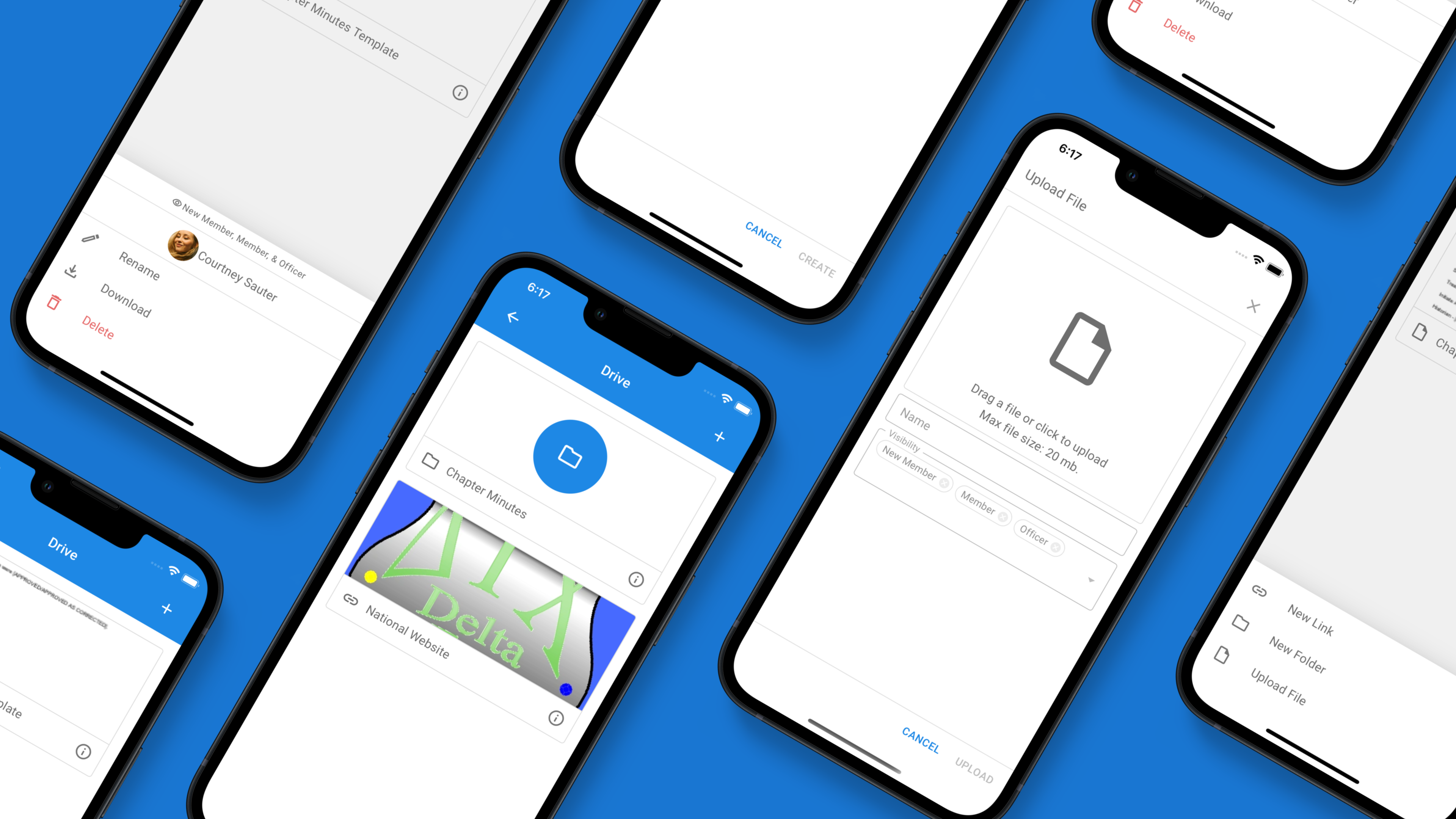
Drive allows your chapter to keep all important flies and links in one place. Create folders to organize the content, and utilize the visibility feature to keep secret items from being visible to the wrong people. Plus, files can be viewed and downloaded on the go, ensuring that members are always only one click away from important information.
Best Practices
- Stay organized: Using folders allows members to quickly scan through a large number of files and links throughout your chapter's drive.
- Use visibility permissions: Setting proper visibility permissions for each file ensures that only the correct members view a given file.
What you can store in Drive
Drive holds both files and links, so everything your chapter references lives in one place — your bylaws and constitution, new-member education materials, recruitment resources, meeting minutes, budgets and reimbursement forms, merch order sheets, and links to shared calendars or cloud folders. Because it is built into Greek Connect, members reach it from the same app they already use for messages and events.
Who can see each file
Every file and folder has visibility permissions, so officer-only documents like financials or standards records stay private while chapter-wide resources are visible to everyone. When a member's role changes, their access updates automatically — there is no need to move files around or re-share links.